
A watch winder that loses power mid-cycle doesn’t just stop — it forgets. TPD counts reset, rotation direction can default to the wrong setting, and a Rolex or Omega left on the wrong program can wind incorrectly for days before anyone notices.
Here’s how to reset a watch winder after power loss in 2026, step by step, without guessing at settings or damaging the motor.
TL;DR
After a power outage, unplug the winder for 30 seconds, reconnect it, and reprogram TPD and direction from scratch — most units revert to factory defaults (usually 650-900 TPD, bidirectional) and won’t remember your prior settings. On an Enigwatch Impresario Series 6, this takes under two minutes once you know your watch’s spec. Verdict: safe to reset yourself, no technician needed, unless the motor makes grinding noises after power returns, in which case stop and check the mechanism before running another cycle.
Why this matters
A watch winder isn’t just a motor — it’s a small computer holding TPD (turns per day), direction, and rest intervals in memory. When power drops, most consumer-grade winders lose that memory instantly because they don’t have battery backup for the control board, even on units priced at $5,000 or more in 2026.
Run a winder on the wrong settings and you risk two things: under-winding, which leaves an automatic movement running down between wears, or over-cycling on the wrong direction, which does nothing for a unidirectional caliber and just wastes motor life. Neither ruins a watch outright, but neither is what you paid for either.
What you’ll need
- The watch winder itself, unplugged and disconnected from any surge protector
- Your watch’s movement spec (caliber name or brand) to look up the correct TPD setting
- A soft microfiber cloth, in case dust settled in the cabinet during the outage
- 5-10 minutes of uninterrupted time
- Access to the unit’s manual or model page if you’re unsure which rotation program it defaults to
The steps
1. Cut power completely before touching any buttons
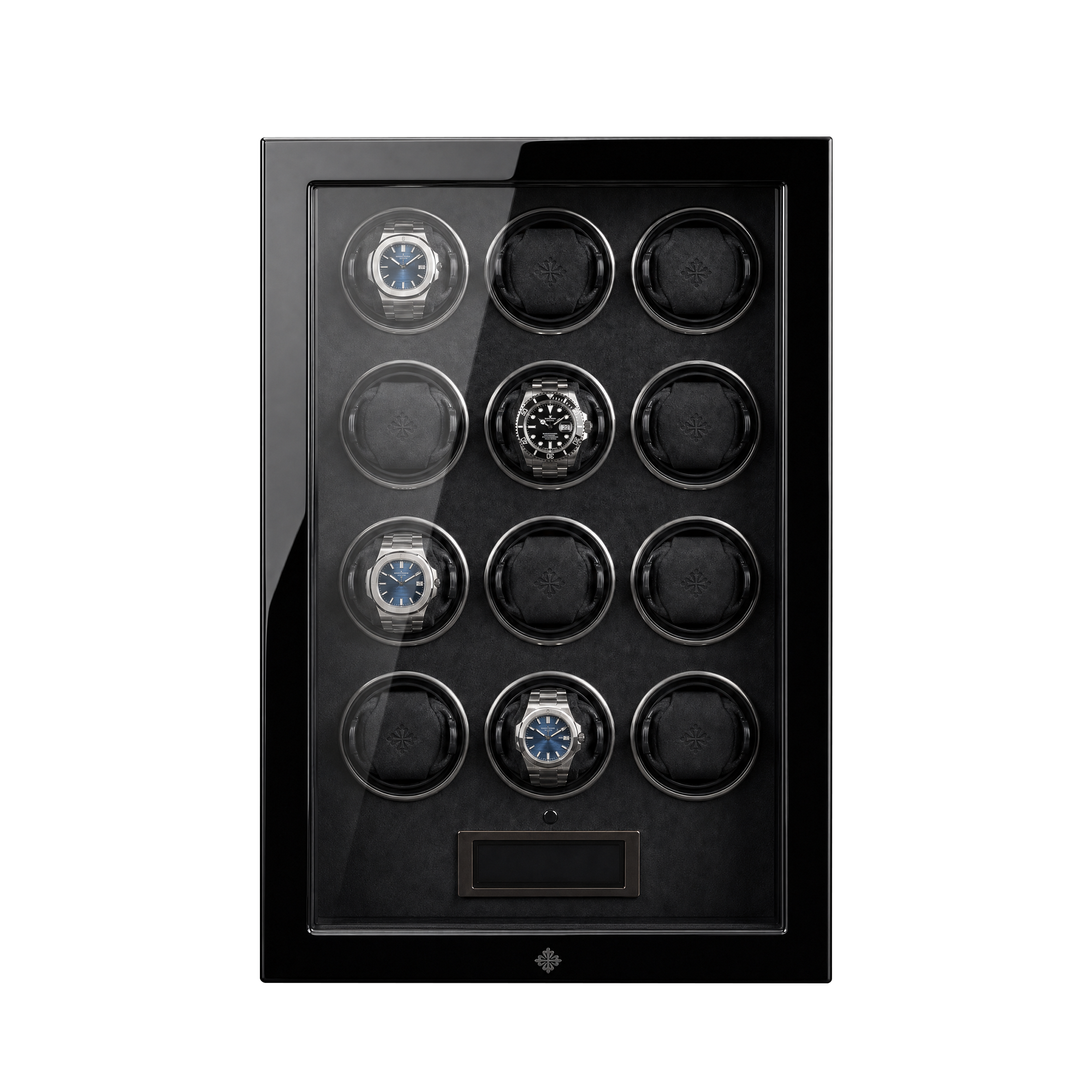
Unplug the winder from the wall — don’t just flip a switch on the unit itself. Many watch winder cabinets, including multi-slot models like the Impresario Series 12, route power through an internal transformer that holds a residual charge for a few seconds. Wait a full 30 seconds before reconnecting.
Common mistake: reconnecting immediately after a flicker. If the outage was a brief brownout rather than a full outage, the control board may already be in a half-reset state, and reconnecting too fast can cause the motor to stutter on its first cycle.
2. Reconnect and observe the first 60 seconds
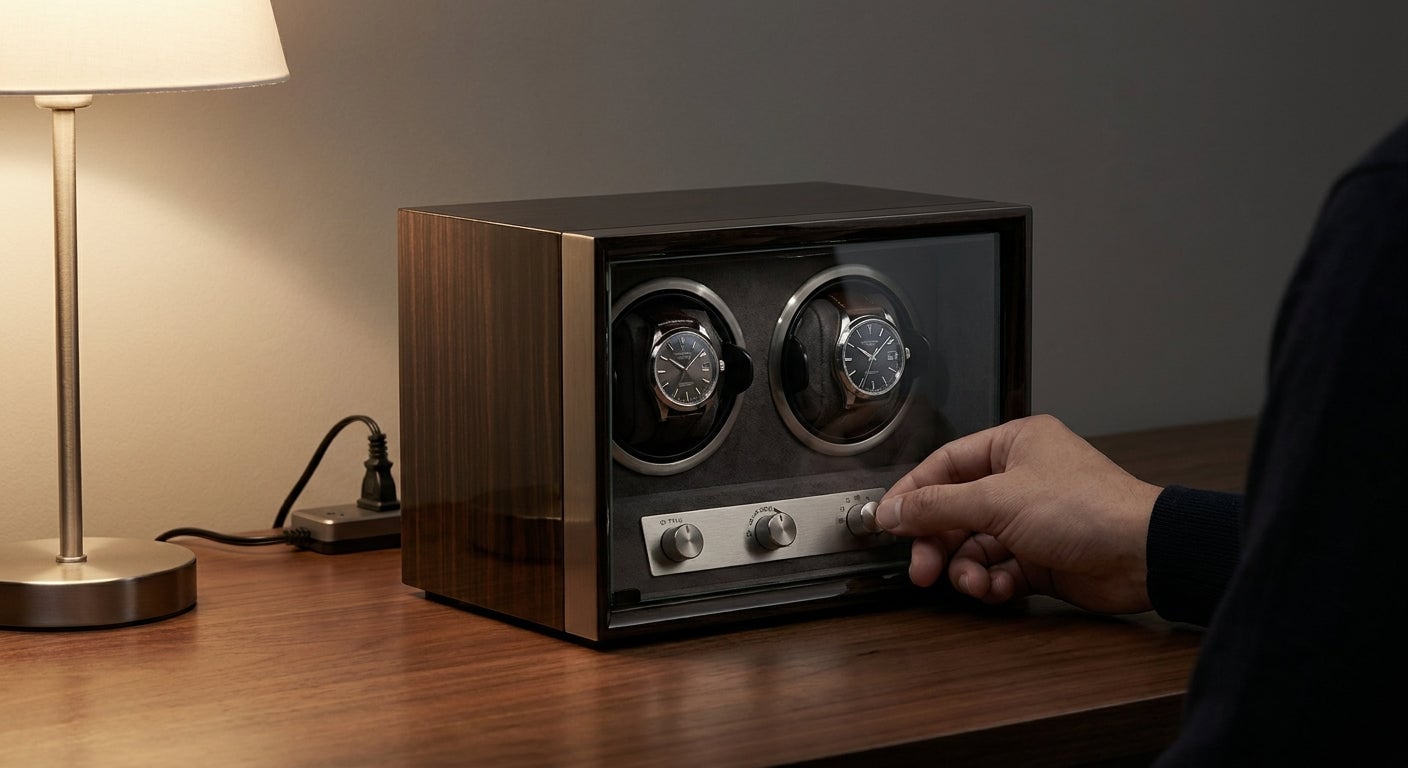
Plug the unit back in and watch the rotor. On a healthy reset, the cage or rotor cradle will make one slow test rotation, then pause. That pause is normal — it’s the control board initializing, not a fault.
If nothing moves at all, check the outlet with another device before assuming the winder itself failed. Power strips and smart plugs are common culprits after an outage; they sometimes need their own manual reset.
3. Reset TPD to your watch’s factory spec
This is the step people skip, and it’s the one that matters most. Every automatic movement has a manufacturer-recommended turns-per-day figure — a Rolex 3235 caliber typically wants around 650 TPD, while some Omega co-axial movements run closer to 800-900. Reference the TPD guide if you don’t have this memorized.
Use the mode or program button to cycle through settings until the display or dial indicator matches. Never leave a factory default in place assuming it’s close enough — a 200-300 TPD gap under-winds a high-beat movement over a matter of days.
4. Set rotation direction before loading the watch
Bidirectional movements don’t care, but unidirectional ones do. Setting a clockwise-only caliber to counterclockwise wastes every rotation the motor makes. Confirm direction against your watch’s spec sheet, then set the winder’s program accordingly — most Enigwatch units cycle through clockwise, counterclockwise, and bidirectional modes with a single button press.
A quick way to verify: load the watch, run one cycle, and check the power reserve indicator (if your watch has one) after 12 hours. If reserve is climbing, direction is correct.
5. Reload the watch and start a fresh cycle
Seat the watch securely in the holder — loose fit is the number one cause of erratic winding after any reset, power-related or not. Close the door or lid fully; several models pause the motor automatically if the door sensor doesn’t register a full seal.
Expected outcome: within the first 24 hours post-reset, power reserve should climb steadily rather than plateau. If it doesn’t move at all, the TPD is likely still too low for that movement.
6. Log the settings somewhere durable
Write the TPD and direction on a card kept near the unit, or store it in your phone. The next power outage — and in most markets, there will be one — you’ll reset in under a minute instead of relooking up specs. This single habit is the difference between a 90-second fix and a 10-minute one.
Troubleshooting
Rotor spins but the watch doesn’t seem to be winding. Check that the holder cushion matches the watch’s case size — an oversized cushion lets the watch shift instead of rotating fully with the cage. The watch winder pillow page covers cushion sizing if you’re unsure.
Winder resets to factory default every single time, even after you reprogram it. This points to a failing internal battery or capacitor on the control board, not user error. If it happens twice in one week, that’s a warranty conversation, not a settings problem.
Grinding or clicking noise on the first cycle after power returns. Stop the unit immediately. This is not a normal reset symptom — it usually means the rotor cage caught on something during the power interruption. Don’t run another cycle until you’ve inspected it.
Display shows an error code instead of resetting cleanly. Most error codes on 2026-model winders indicate a door sensor fault, not a motor fault. Check that the door latches fully before assuming the unit needs service.
Watch was mid-cycle when power dropped and now runs low. This is expected, not a malfunction — a brief undercharge from one missed cycle corrects itself within a day or two once the winder resumes normal TPD.
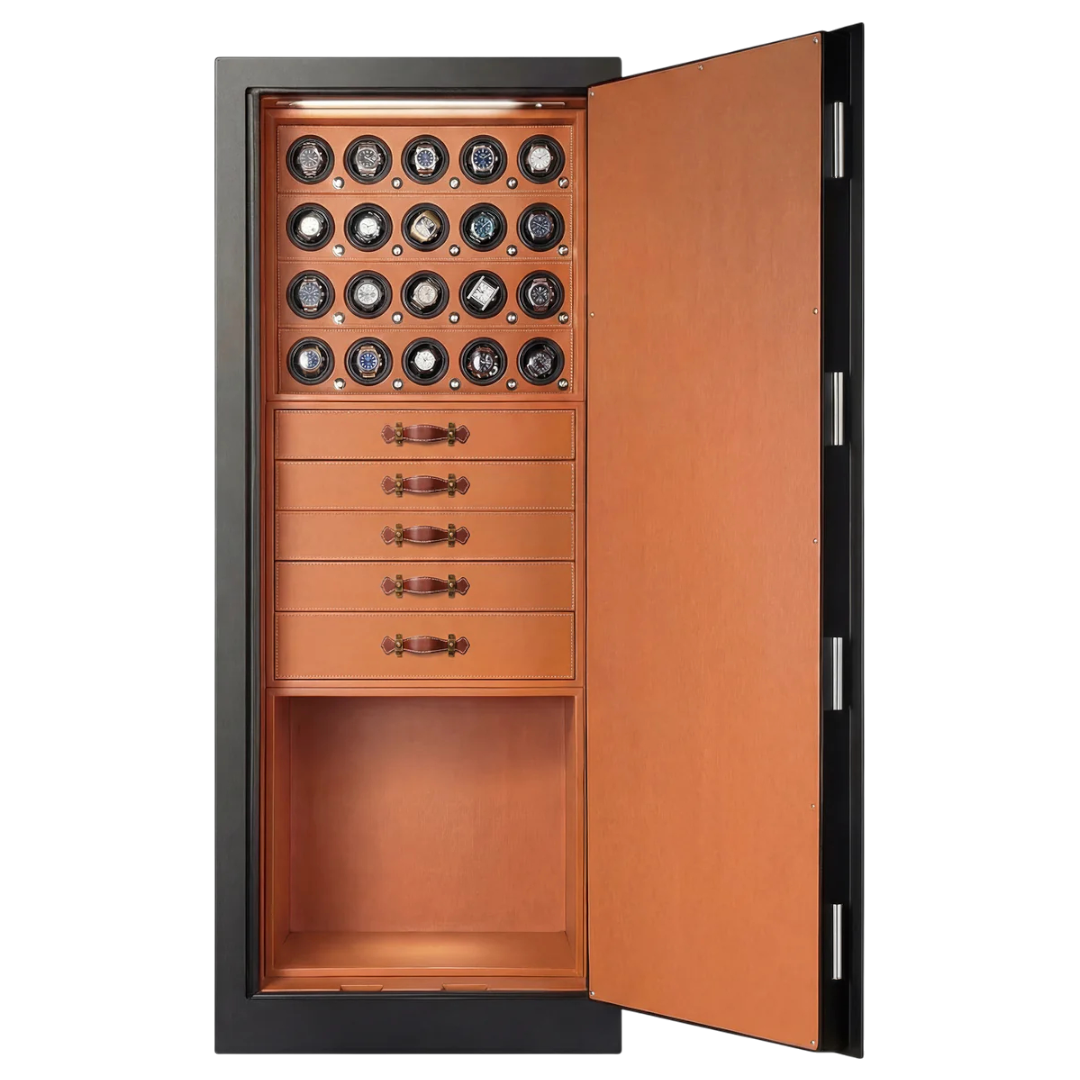
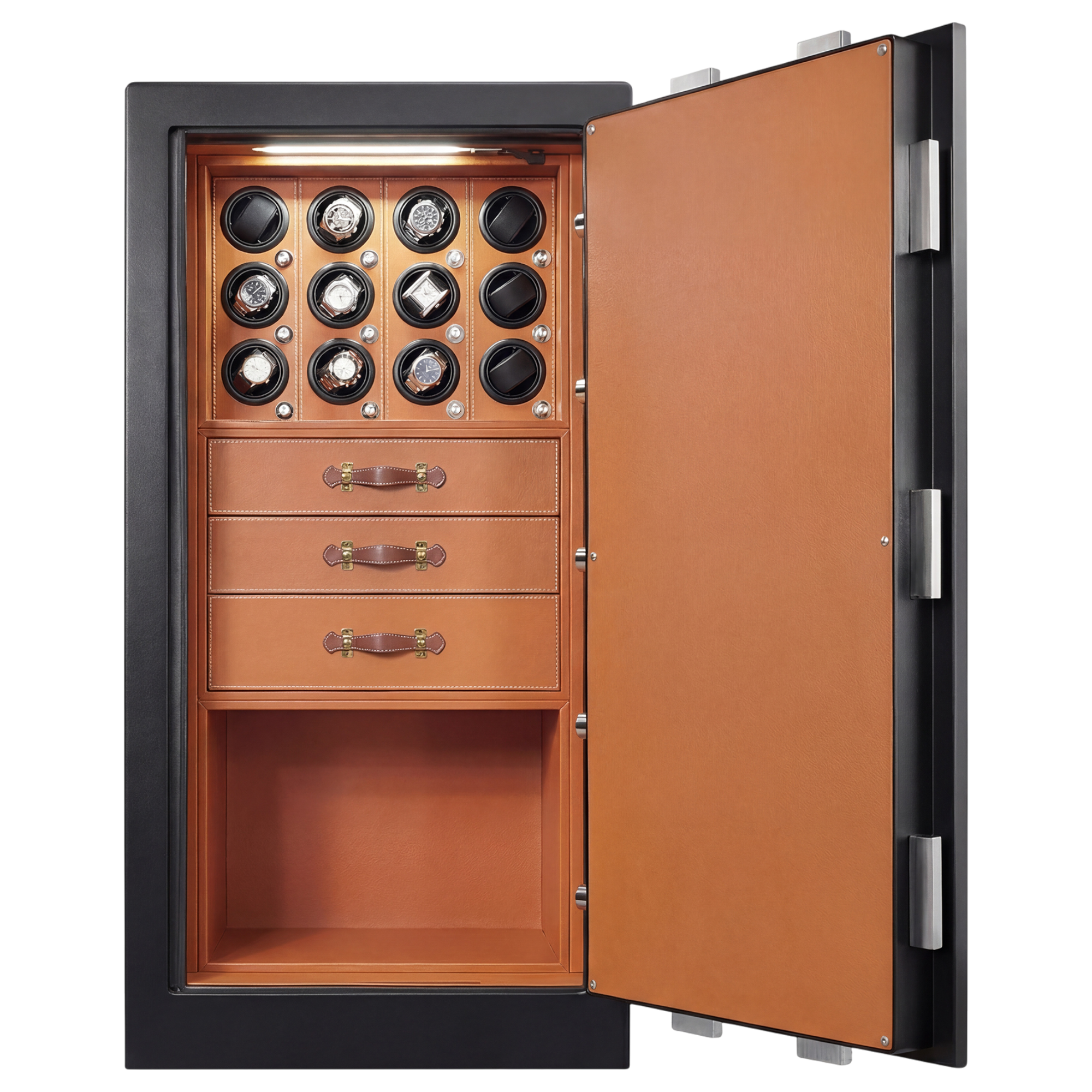
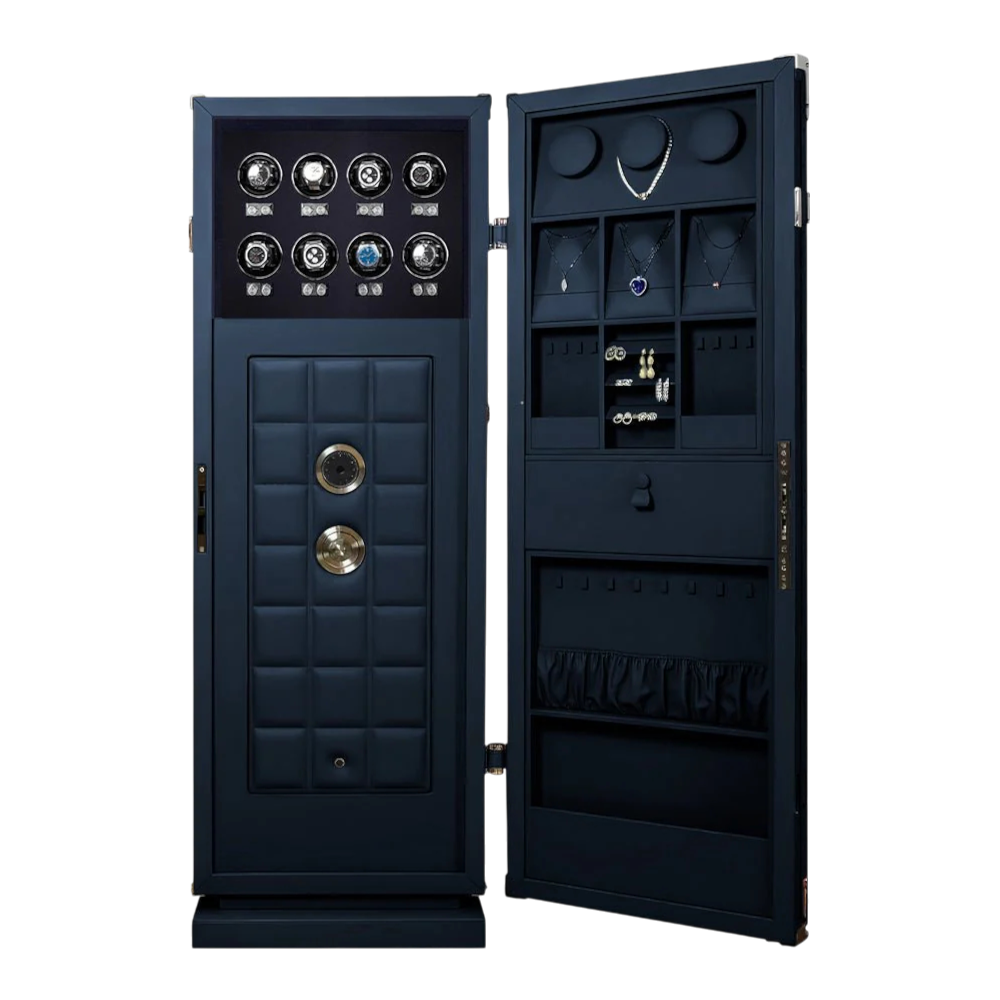
Multiple slots on a multi-watch unit reset differently from each other. Each slot on a cabinet-style winder, such as the Enclave Watch Winder Cabinet, typically runs its own independent motor and memory. Reset each slot individually — resetting one doesn’t propagate to the others.
Tools and resources
- Your watch winder’s model manual for exact button sequences (they vary by series)
- The TPD explained reference guide for looking up your specific caliber
- A rotor and motor cleaning guide if the outage coincided with visible dust buildup
- A surge protector rated for the unit’s wattage, to reduce reset frequency going forward
FAQ
What’s the fastest way to reset a watch winder after power loss?
Unplug it for 30 seconds, reconnect, then reprogram TPD and rotation direction to match your watch’s factory spec — the whole process takes under two minutes once you know the numbers.
Do all watch winders lose their settings during a power outage?
Most consumer and even high-end models do, because the control board’s memory isn’t battery-backed; a handful of premium 2026 releases include capacitor-backed memory, but check your model’s spec sheet rather than assuming.
Is it bad for the watch if the winder stays off for a few hours during an outage?
No — a few hours off does nothing to an automatic movement beyond a slight dip in power reserve, which corrects itself once winding resumes.
How do I find the correct TPD for my watch after a reset?
Check the movement caliber against a TPD reference chart; Rolex calibers generally sit near 650 TPD while some Omega and Seiko movements run higher, closer to 800-900.
Why does my winder keep resetting to factory defaults even after I fix the settings?
A winder that reverts every single time it loses power, rather than after every outage, usually has a failing internal battery on the control board — that’s a warranty issue, not a user error.
Can a power surge damage the winder itself, not just the settings?
Yes, in rare cases a surge can damage the motor driver, which is why a rated surge protector is worth the cost on any unit above the $1,000 range.
Should I reset direction even if I’m not sure the watch is unidirectional?
Yes — checking takes 30 seconds against the manufacturer spec, and running a unidirectional movement on the wrong setting wastes every rotation the motor makes.
Does resetting a watch winder void any warranty?
A standard reset through the manual controls doesn’t touch anything covered under a lifetime warranty; opening the housing or attempting to repair the control board yourself typically does.
One last thing
Most people assume a reset watch winder is a broken watch winder. It isn’t — it’s a blank slate. The units that actually fail after an outage are rare, and they announce themselves with noise or a display that won’t clear, not silence. If your winder resets clean and quiet, the watch inside is almost certainly fine; the only thing at risk was two minutes of your time.
Related guides
Protect Your Watch Collection
Designed for collectors who demand the best. Explore our premium watch winders and luxury safes.
Protect Your Watch Collection
Designed for collectors who demand the best. Explore our premium watch winders and luxury safes.